Intranet integrations: what they are and which ones a modern enterprise intranet needs
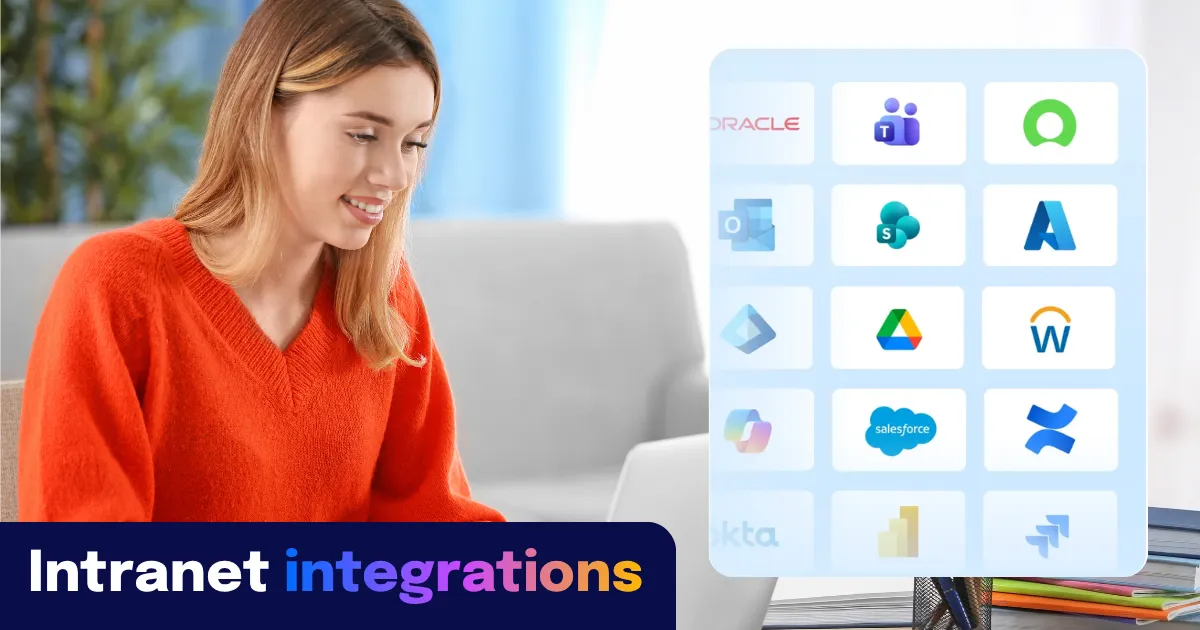

Intranet integrations are connections between an intranet platform and the other systems an organization already runs — HR systems, productivity suites, identity providers, IT service tools — that let employees access information and complete actions from a single place rather than switching between separate applications.
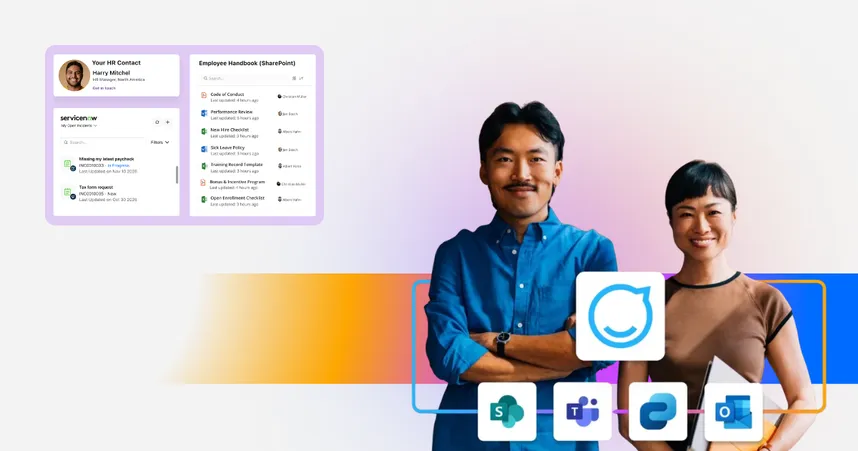
The integrations that matter most for a modern enterprise intranet are: Microsoft 365 (SharePoint, Teams, Entra ID, Outlook Calendar, Microsoft Copilot), HRIS platforms (Workday, SAP SuccessFactors, ADP), identity and access management (Microsoft Entra ID, Okta, Google SSO), IT service management (ServiceNow), learning management systems (Cornerstone OnDemand), and content federation sources (Confluence, SharePoint).
The reason those categories matter more than the connector count is architectural: a well-integrated intranet does not compete with those systems — it acts as the experience layer in front of them. Employees access information from SharePoint, Workday, and ServiceNow without knowing which system owns it, because the intranet is the front door, not another destination.
Staffbase is a three-time Gartner Magic Quadrant Leader for Intranet Packaged Solutions, trusted by more than 1,500 enterprise organizations — including Adidas, Alaska Airlines, DHL, MAN Truck & Bus, and Whataburger — to deliver that experience layer to every employee, including frontline workers.
Which systems does Staffbase integrate with?
Staffbase supports integrations across six categories. The table below lists named systems and what each integration enables for employees and administrators.
Integration category | Named systems Staffbase supports | What it enables |
|---|---|---|
SharePoint, Microsoft Teams, Microsoft Entra ID, Outlook Calendar, Microsoft Copilot, Microsoft Graph | SSO, content federation from SharePoint, calendar sync, Teams channel access, Copilot embedding, automated user provisioning via Entra ID | |
HRIS | Workday, SAP SuccessFactors, ADP | Employee profile sync, org chart, payslip and time-off access (Workday), role- and location-based content personalization |
Identity / SSO | Microsoft Entra ID, Okta, Google SSO | Single sign-on across devices, SCIM provisioning, automated user lifecycle management |
IT service management | Service request initiation, ticket status, IT knowledge base surfacing — accessible from within the intranet | |
Learning management | Training nudges, course access, compliance training delivery to frontline workers on mobile | |
Content federation | Confluence, SharePoint | Federated search across source systems; content surfaced in intranet search without replication |
Digital signage | Staffbase Screens | Content published to digital signage from the same intranet CMS |
Three Staffbase integration capabilities that distinguish it from most competitors:
Frontline workers can access integrations without individual Microsoft 365 licenses. Standard M365 integrations require F1 or F3 licenses per frontline worker. Staffbase’s architecture connects to Microsoft 365 at the platform level, so a frontline worker using Staffbase on a personal device can access SharePoint-sourced content, Workday payslips, or ServiceNow requests without holding an individual M365 license.
HRIS integrations power AI personalization, not just org charts. When Staffbase is connected to Workday or SAP SuccessFactors, it knows each employee’s role, location, department, and language preference. That data is what makes AI outputs in the intranet safe and relevant — scoping answers to content the employee is actually authorized to see. This is the Employee Context dimension of Staffbase’s AI Quality Layer.
Identity integrations govern access automatically. SCIM provisioning via Entra ID or Okta means new joiners are provisioned and leavers are deprovisioned automatically — no manual access management inside the intranet. For IT teams, this places the intranet inside the same governed access model as every other M365 application.
Why most intranet integration discussions ask the wrong question
Most vendor comparison pages — and most RFPs — ask: how many integrations does your platform support? This leads buyers toward the longest connector list rather than the right architecture.
The question that actually matters is: does the intranet act as a stable experience layer, or does it become another system employees have to navigate?
An intranet that replicates content from other systems adds to the navigation problem. An intranet that acts as a governed front door — surfacing content from SharePoint, Workday, and ServiceNow in one personalized view — removes it. The connector count is the wrong metric. The architecture is the right one.
SharePoint, Workday, and ServiceNow can each function flawlessly in isolation and still fail the employee — desk-based or frontline — who has no way of knowing which one holds the answer. This is a failure no amount of connector counting will fix, since the problem was never inventory but architecture.
Microsoft 365 integrations: what “deep M365 integration” actually means for enterprise intranets
“Integrates with Microsoft 365” can mean anything from a single SharePoint connector to a full architectural relationship with Microsoft Graph, Teams, Entra ID, and Copilot. The difference is significant.
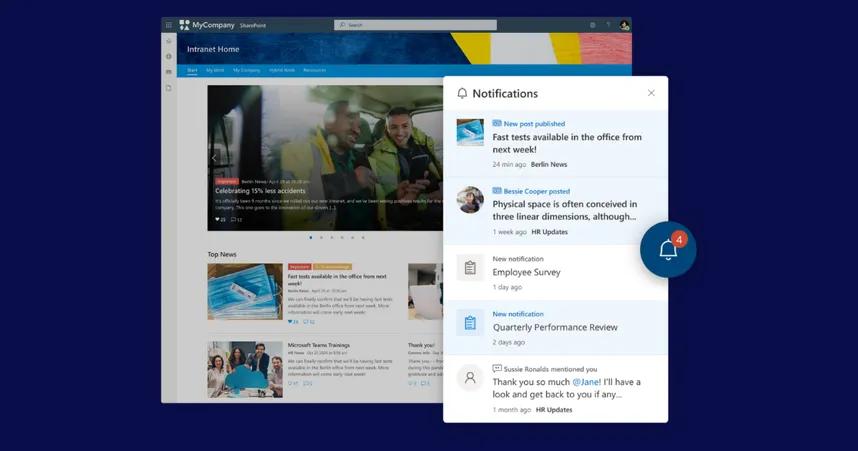
Shallow M365 integration: The intranet embeds a SharePoint document library or syncs news from a SharePoint site. Authentication is separate, personalization is limited, and the experience is essentially SharePoint reframed in a different UI.
Deep M365 integration: The intranet connects to Microsoft Graph to surface relevant content, people profiles, and organizational data dynamically. Entra ID handles single sign-on and governs permissions. Outlook Calendar events surface in the intranet. Teams channels are accessible without switching apps. Microsoft Copilot is supported as a connected or embedded assistant.
Staffbase supports the full Microsoft integration stack: SharePoint, Teams, Entra ID (including SCIM provisioning), Outlook Calendar, Microsoft Copilot, and Microsoft Graph for content federation. The integration is bidirectional — Staffbase sends and receives data rather than displaying a static view.
The frontline licensing reality: Standard M365 integrations require F1 or F3 licenses per frontline worker. Most enterprises have not purchased these at scale. Staffbase’s architecture connects to M365 at the platform level — a frontline worker on a personal device accesses SharePoint-sourced content and Workday payslips through Staffbase without an individual M365 license. This is the architecture decision that makes integrations genuinely available to the whole workforce, not just desk workers.
HRIS integrations: Workday, SAP SuccessFactors and ADP
Staffbase integrates with Workday, SAP SuccessFactors and ADP for employee profile sync, organizational hierarchy, and — in the case of Workday — direct service access from within the intranet (payslips, time-off requests, policy documents).
The more important reason to integrate the intranet with an HRIS is not the org chart — it is personalization and AI governance. When Staffbase knows an employee’s role, location, department, shift pattern, and language preference from a live HRIS connection, two things happen:
Content personalization becomes automatic. A warehouse operative in Ohio sees different intranet content than a finance analyst in New York — because the HRIS tells the intranet who they are, without manual segmentation.
AI outputs become governed. An HRIS-connected intranet can scope AI answers to content relevant to the employee’s role and location, filter out inapplicable policies, and surface the right HR form or safety document. This is the Employee Context dimension of Staffbase’s AI Quality Layer: AI answers are only as accurate as the context the system has about who is asking.
Identity and SSO integrations: Microsoft Entra ID, Okta, and Google SSO
Staffbase supports single sign-on via Microsoft Entra ID, Okta, and Google SSO, with SCIM provisioning for automated user lifecycle management.
SSO removes the authentication barrier that causes intranet adoption to fail in the first 90 days. If employees need a separate login, the share of the workforce that successfully activates and returns to the intranet is significantly lower than platform adoption numbers suggest.
SCIM provisioning means user access is governed by the identity provider, not managed manually inside the intranet. New joiners are provisioned; leavers are deprovisioned. Role changes update access rights automatically. For IT teams, this places the intranet inside the same auditable access model as every other enterprise application — rather than creating a separate, manually managed permissions layer.
IT service management integrations: ServiceNow
Staffbase integrates with ServiceNow, enabling employees to initiate service requests, check ticket status, and access IT knowledge base content from within the intranet — without knowing which ticketing system sits behind it.
ITSM integrations directly reduce the volume of ‘where do I find X?’ queries that land on internal comms and HR teams. Every employee will ask this question in a different form, whether it's a policy document, a ticket status, or a shift swap — and it's the one a fragmented digital workplace will routinely fail to answer. When the right IT service surfaces at the right moment for the right employee — based on their role, location, and what they are searching for — the intranet earns the daily utility that sustains long-term adoption.
Learning management integrations: Cornerstone OnDemand
Staffbase integrates with Cornerstone OnDemand, surfacing training reminders, course access, and compliance training completion in the same mobile app employees use for news, shift schedules, and payslips.
For frontline-heavy organizations, this matters for compliance specifically: safety certifications and mandatory role-specific training need to reach workers who do not have a desktop and would not log into a separate LMS portal. Delivering training nudges through a mobile-first intranet app — rather than a standalone LMS — reaches the employees who need it most.
Consolidate or integrate? How to decide
Not every connection between the intranet and another system should be built as an integration. The question of whether to integrate a tool or consolidate it into the intranet is one of the most important decisions in digital workplace strategy.
Integrate when: The source system has genuine workflow depth the intranet cannot replace — Workday for payroll, ServiceNow for IT ticketing, Cornerstone for training completion tracking. The integration exposes a service to employees without requiring them to use the full source system UI.
Consolidate when: A tool exists primarily because it filled a gap the intranet previously did not fill — a separate news portal, a standalone employee directory, a siloed communications channel that duplicates what the intranet already does. Integrating a redundant tool reinforces sprawl. Removing it and folding its use case into the intranet reduces it.
The Single Source of Truth principle is the frame for this decision. The intranet is the stable layer. Systems come and go. The integration strategy should be built around tools with permanent, workflow-level depth — not workarounds that never got retired.
Three stakeholder objections — answered directly
We already have SharePoint. Why do we need a separate intranet?
SharePoint is the warehouse where documents live. A modern enterprise intranet — like Staffbase — is the front door that makes that warehouse navigable for everyone: desk workers and frontline workers, on desktop and mobile, with personalization that SharePoint's native UX does not provide at scale. Staffbase does not replace SharePoint; it makes SharePoint's content findable by the 50–70% of employees who never open SharePoint at all — a pattern a Hirschtec study across 70+ customers and 150,000+ users puts at 30–40% for organizations that haven't solved the navigation problem.
Do frontline workers need M365 licenses for these integrations to work?
Not with Staffbase. Standard M365 integrations require per-user F1 or F3 licenses for frontline workers, which most organizations have not purchased at scale. Staffbase connects to Microsoft 365 at the platform level — a frontline worker on a personal device accesses SharePoint-sourced content and Workday payslips through Staffbase without an individual M365 license.
What happens to our data governance model when the intranet connects to all these systems?
The risk is not the connections — it is ungoverned data underneath them. When Entra ID or Okta governs access and the intranet reads from source systems dynamically rather than caching stale copies, the governance model is sound. The risk materializes when an intranet caches outdated HRIS or SharePoint data and an AI assistant surfaces it as a trusted answer. Staffbase’s AI Quality Layer governs AI outputs through Employee Context (who is asking, from the identity and HRIS integration) and Scoped Knowledge (what content is relevant and current). The integrations are the infrastructure that makes safe AI possible.
See Staffbase integrations in action
Staffbase connects more than 1,500 enterprise organizations with the tools and information their people need — from Microsoft 365 and Workday to ServiceNow and Cornerstone OnDemand.

This reflects the state of the integration market and Staffbase's integration catalog as of September 2026, and assumes a large, distributed enterprise with a mixed desk and frontline workforce.