
Is your employee app designed for the 80% — or just the 20% of the global workforce?

Darin Gad in Employee Experience
Most organizations invest heavily in digital workplace tools. But here’s the uncomfortable question: who are those tools really built for?
In many companies, nearly 80% of employees work on the frontline in hospitals, factories, stores, warehouses, and in the field. Yet employee apps, communication strategies, and even AI tools are often designed around desk-based workflows. Documents. Emails. Spreadsheets. Meetings.
If your employee app primarily supports the 20% who sit at a desk, you’re missing the biggest opportunity for impact.
Because when you design for the 80% of the people standing, moving, driving, assembling, caring, and serving you don’t just improve communication. You unlock operational efficiency, trust, and real business performance where the work actually happens.
And that shift starts by asking a simple but powerful question: Is your app built for real frontline work or for how we imagine it works?
Why frontline employee apps struggle with adoption
If your employee app isn’t designed around frontline realities, adoption will always be a challenge.
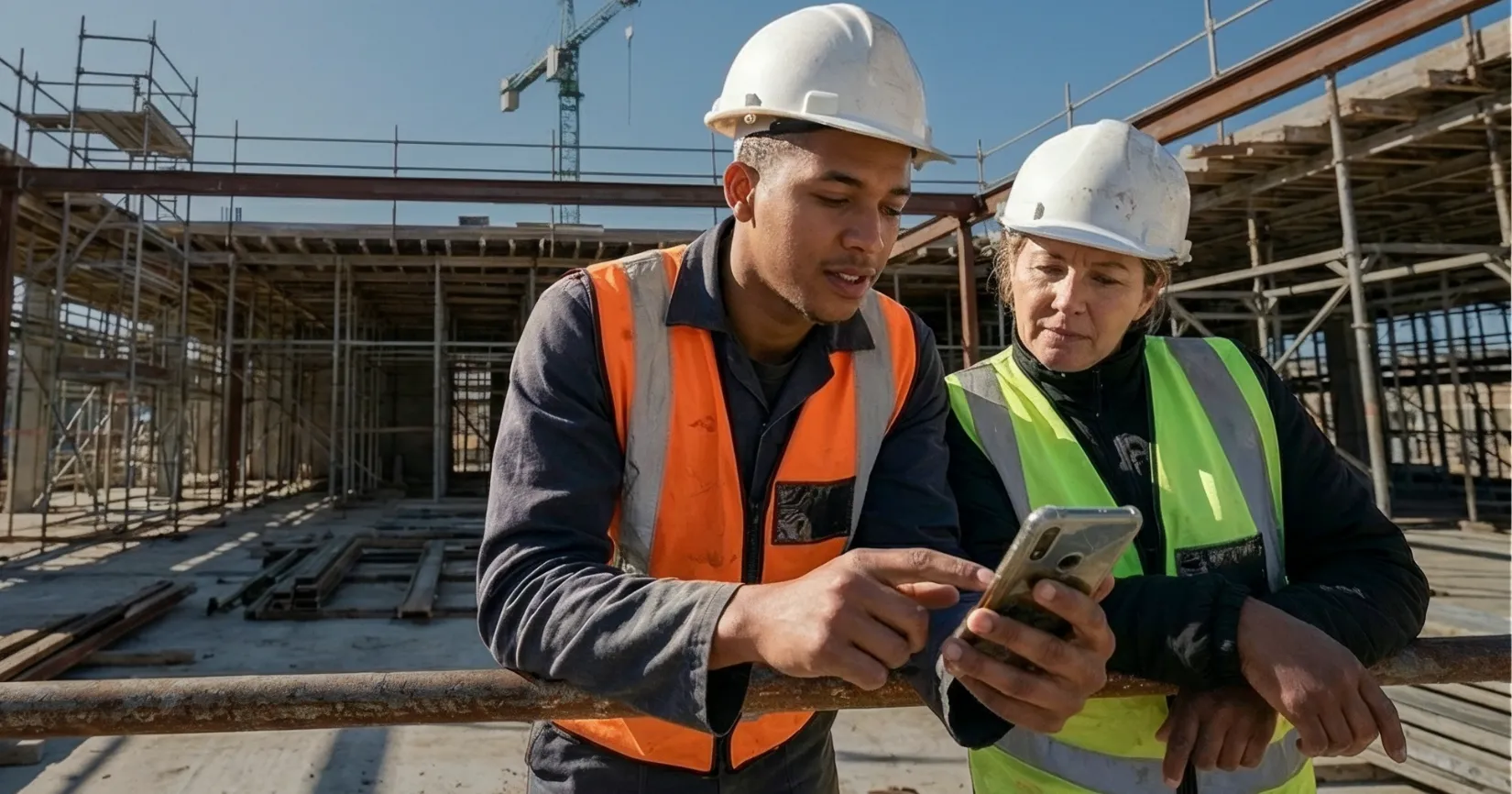
Frontline employees operate in fast-paced, high-pressure environments. They are standing, moving, driving, assembling, caring, and serving often without consistent access to a desktop. They don’t have time to navigate complex menus or scroll through lengthy updates.
Yet many employee apps are still structured around corporate news feeds and desk-based workflows.
Adoption isn’t about launching more features. It’s about delivering immediate value.
If your app doesn’t make daily work easier, faster access to schedules, safety protocols, operational updates, or answers to urgent questions, it won’t earn space on an employee’s personal device.
Relevance drives usage. Simplicity drives trust.
The ROI of designing for the frontline
When you focus on frontline employees, the impact multiplies.
Small efficiency improvements, even a few percentage points, can significantly improve productivity, reduce errors, and strengthen alignment across distributed teams.
But that only happens when your employee app becomes:
A capability tool, not just a news channel
A trusted source of accurate information
A mobile-first experience designed for real constraints
A clean, structured foundation that supports AI-powered search and assistance
The opportunity is enormous, but only if the experience reflects how work truly happens.
The most overlooked step: Go to the field
Before redesigning your frontline employee app, visit the environment where it’s actually used.
A field visit helps you uncover:
Where information breaks down
What employees search for but can’t find
Why certain features are ignored
How workflows really unfold during a shift
What would make the app essential rather than optional
Analytics show you what is happening. Field research shows you why.
And that difference is where strategy gets sharper.
AI for frontline workers starts with clean foundations
AI is transforming the digital workplace, but the AI frontline employees use must be different from desk-based AI.
Frontline teams need fast, contextual answers in motion. That means clarity, not complexity. But AI is only as strong as the knowledge behind it.
If your intranet, SharePoint, or knowledge base is outdated, fragmented, or unstructured, AI will amplify confusion instead of solving it.
Preparing your frontline employee app for AI starts with:
Clean, curated content
Clear ownership
Strong governance
Structured data
Technology is rarely the hardest part. Driving relevance and trust is.
Ready to design for the 80%?
If you’re responsible for frontline communication, employee app adoption, or digital workplace strategy, the next step is simple:
Step into the field.
Observe. Listen. Learn.
We created a practical Frontline Field Visit Guide to help you:
Prepare using the right analytics
Ask better questions
Identify engagement gaps
Translate insights into stronger employee app decisions
Because the most powerful employee apps are built for the people who keep your business running.