What is an AI-powered intranet? And how do you know if one is genuinely AI-native?
An AI-powered intranet works only as well as the content beneath it. AI answers depend on the quality of the information they draw from, not the sophistication of the technology behind them.


An AI-powered intranet works only as well as the content beneath it. AI answers depend on the quality of the information they draw from, not the sophistication of the technology behind them. Choose a genuinely AI-native platform if your priority is reliable, governed knowledge at scale: a platform built on ambiguous or ungoverned content will produce confident-sounding wrong answers regardless of how advanced the AI model is. Staffbase, recognized as a Gartner Magic Quadrant Leader for intranet platforms for three consecutive years and one of the top five scoring platforms in the independent ClearBox Intranet & EX Platforms Report 2026, is built as a curated knowledge environment, not a document warehouse with AI added later. If you’re ready to compare specific platforms, see our guide to the top AI-powered intranet platforms in 2026. If you want to understand what separates a genuine AI-native architecture from one that only claims to be, read on.
What is the difference between an AI-native and an AI-powered intranet?
Most vendors describe their platform as “AI-powered.” Some call it “AI-native.” In practice, the distinction is rarely explained — because for most vendors, there isn’t one. AI has been added to an existing content architecture, and the labels are marketing, not engineering.
The distinction matters, and it’s architectural, not cosmetic.
Search-era intranets were built on accumulation: every document indexed, every draft stored, every version retained. This works for search because search presents options and humans do the filtering. Employees expect ten to fifteen results, some conflicting. That’s fine — they apply judgment.
AI changes the expectation completely. When an employee asks an AI chatbot “What’s our current travel policy?” or “What are the safety procedures for this shift?” they don’t want fifteen results. They expect the answer. The employee is no longer browsing, they’re delegating judgment to the system.
Search tolerates ambiguity. AI does not.
If the underlying content environment contains three conflicting policy versions, outdated PDFs, and ungoverned drafts, AI cannot reliably choose the correct one. It will blend versions, summarize outdated guidance, and respond confidently — even when wrong. The content determines the answer. The model is secondary.
This is the precondition for trustworthy AI that the industry consistently underestimates: not a better model, but a better content environment. Governance is not a legacy concern from the search era — it’s an AI-readiness requirement. If your intranet is a content warehouse, your AI will produce warehouse-quality answers. If it’s a curated front door, the AI has something reliable to work with.

Why the “connect AI to everything” approach produces unreliable answers
The most common enterprise AI anti-pattern is connecting the model to “all your enterprise knowledge.” Every platform vendor talks about this as a strength. Staffbase has found the opposite produces better results.
Connecting AI to the right knowledge — and only the right knowledge — is a quality mechanism, not a limitation. Purpose-built AI assistants with scoped knowledge domains produce more accurate answers than universal agents searching everything. A facility assistant for Plant 3, scoped to approved safety procedures and local HR content, gives Lena on the factory floor a fast, accurate answer she can act on. An AI agent pulling from the entire enterprise knowledge graph — including outdated policy drafts, three-year-old onboarding guides, and unsupported HR FAQs — gives her confident-sounding noise.
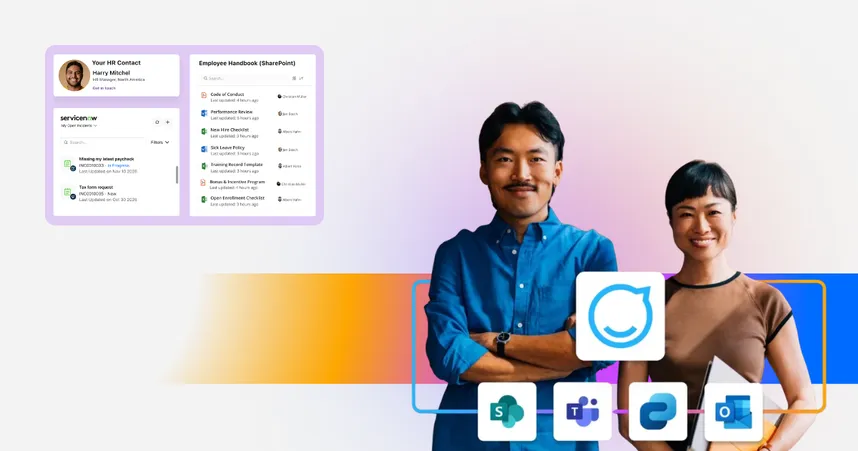
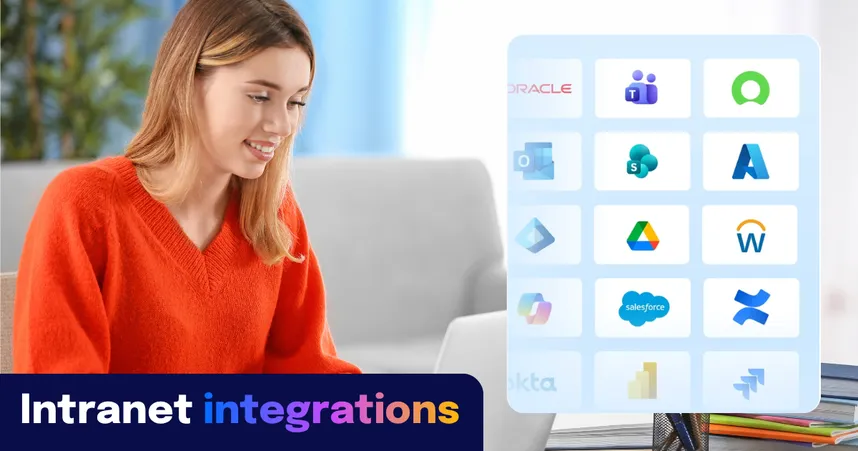
Navigator, Staffbase’s AI assistant, connects to systems like ServiceNow, SharePoint, Workday, and Confluence — but draws from them within governance-defined scope, not universally. The goal is one trusted interface, not one undifferentiated index.
Safe AI vs. good AI — why governance alone isn’t enough
The enterprise technology industry has built a sophisticated governance layer around the question: Is the AI safe? Data access controls, permissions management, compliance frameworks, ring-fencing. These are necessary. They’re also table stakes.
The harder question is one almost nobody is asking: Is what comes out actually good?
Almost right is wrong at work. In your personal life, almost right is fine. At work, almost right creates risk. It erodes trust. It makes people stop using the tool altogether.
Martin Böhringer, CEO & co-founder of Staffbase
This is the distinction between the AI Trust Hub — Staffbase’s safety foundation, providing centralized control over every AI feature, encryption, permission enforcement, and GDPR compliance — and the AI Quality Layer: the system between the AI model and the employee that verifies outputs are accurate, contextual, and on-brand before anyone sees them. The Trust Hub is the prerequisite. The AI Quality Layer is what determines whether employees actually trust and adopt the tool. Both are required. Most platforms stop at the first.
6 key features of AI-powered intranets for enterprise organizations
1. Personalization
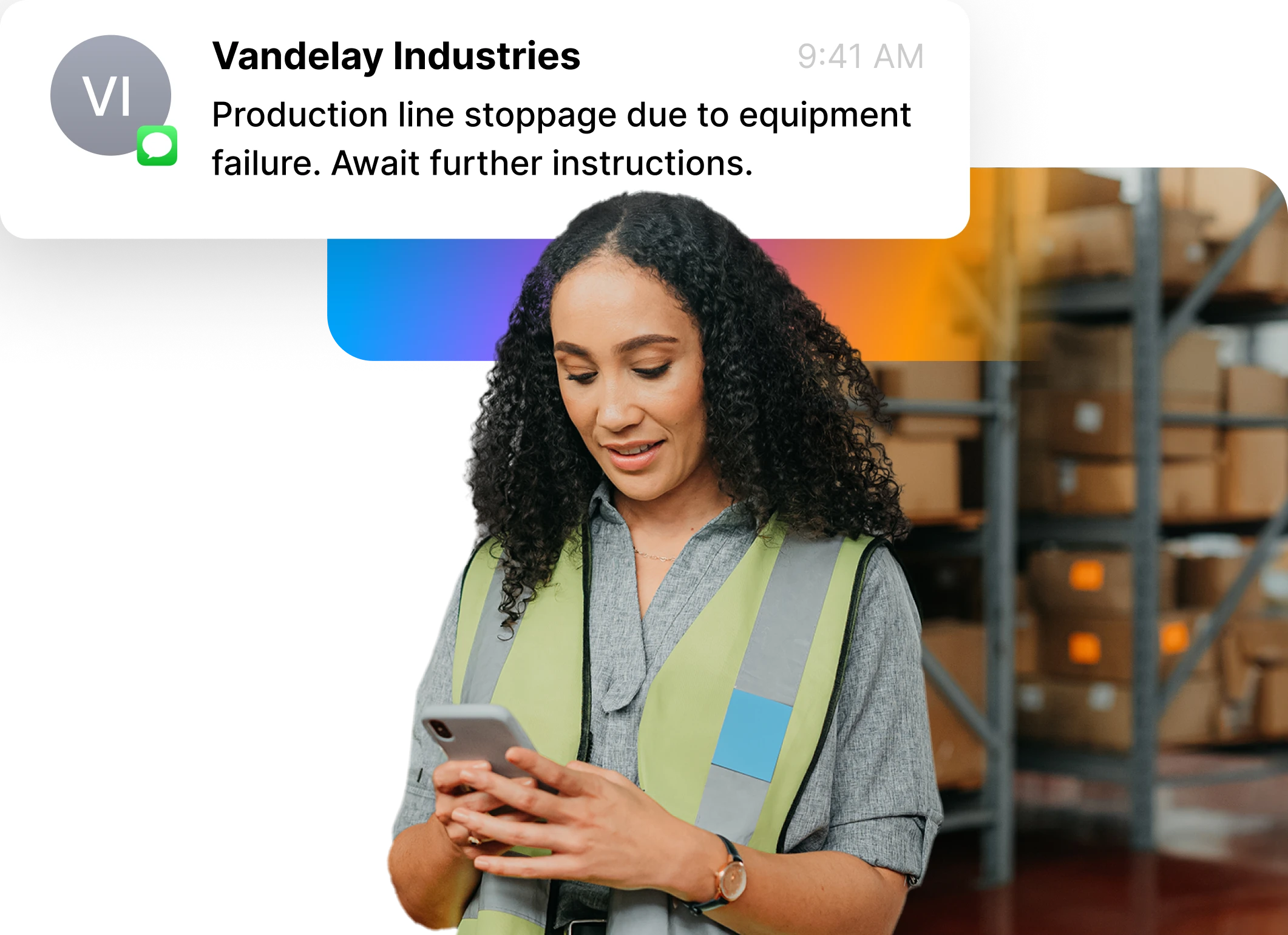
AI-driven personalization transforms the intranet into a truly individualized experience for every employee — not by adding a layer of intelligence on top, but by building it into the core. It tailors content based on roles, preferences, and behaviors, anticipating needs before they’re expressed and surfacing the most relevant information at exactly the right moment.
By analyzing how employees interact with the intranet — what they search for, read, and engage with — AI ensures that each individual receives highly relevant news, updates, and resources. It also learns from context, priorities, and patterns of work, offering proactive suggestions rather than passive recommendations. This customization goes beyond just delivering the right content; it intelligently determines the best timing, channel, and format — whether it’s a mobile push, app notification, or email digest — ensuring maximum engagement and relevance across the organization.
For example, frontline workers might receive quick updates or mobile notifications that align with their on-the-go work style, while office-based employees may get more detailed reports or articles that fit their daily routines. Because Employee AI spans intranet, app, email, and signage, it automatically matches each message to the employee’s preferred channel and device. AI also takes into account personal preferences, such as language, communication styles, or frequency of updates, further enhancing the user experience. By filtering out irrelevant information, AI prevents content overload, ensuring employees focus only on what matters most to their work, creating clarity instead of noise and delivering the confidence that nothing important gets missed.
This personalized approach not only improves efficiency but also boosts employee satisfaction by making the intranet a tool that truly serves their individual needs. It turns a static channel into an adaptive companion — one that learns, predicts, and communicates with each person in the way that works best for them — supporting both productivity and engagement at scale.
2. AI-powered search: how intranet search works in the age of AI
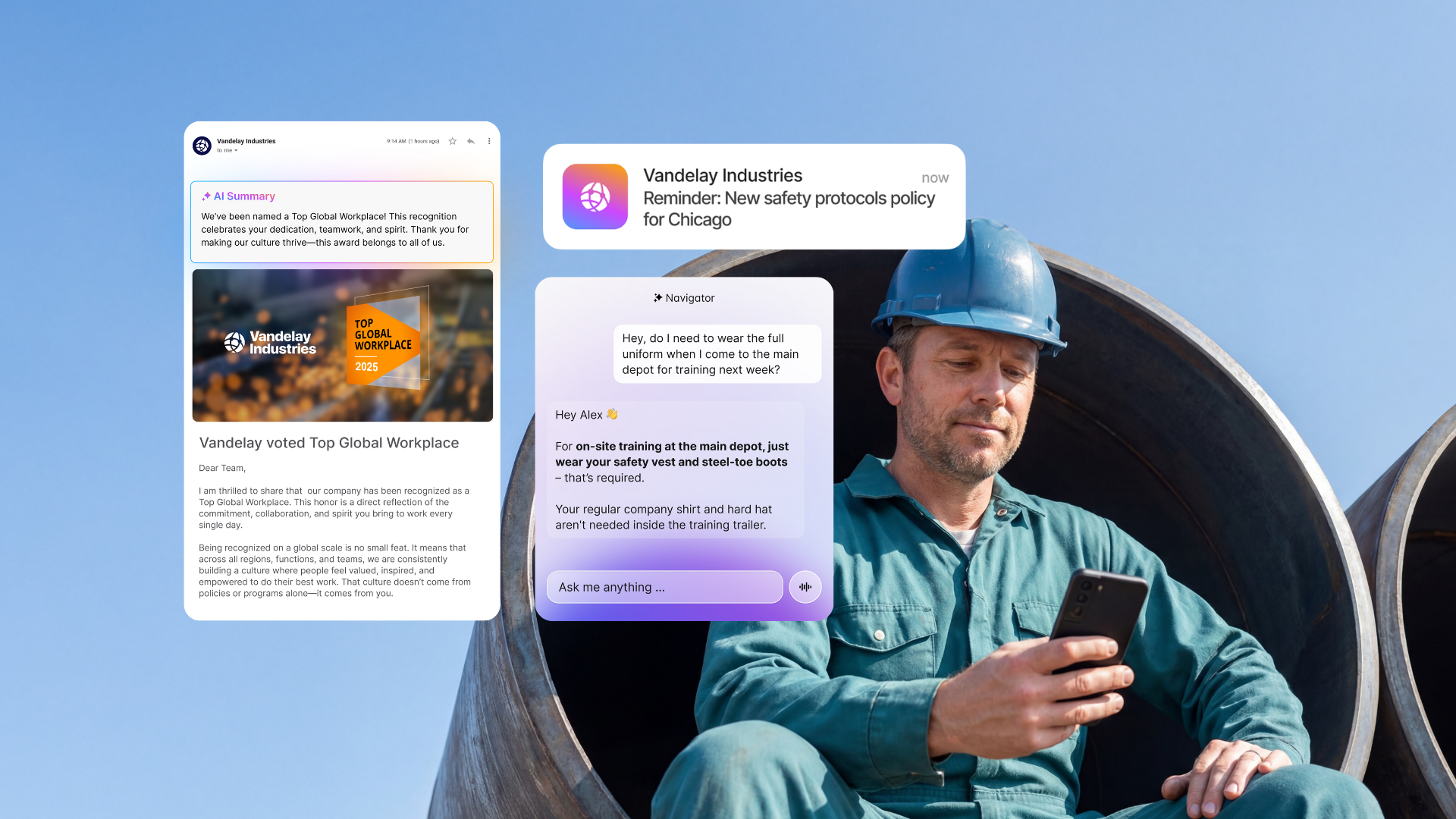
AI-native intranets elevate search into a true conversation. Using natural language processing (NLP) and semantic understanding, employees can now search in plain language — or simply ask a question — instead of relying on rigid keywords or filters. This makes finding the right information easier and faster, as the system understands the context and intent behind each query — delivering not just links, but precise answers and actions. The most reliable AI search systems scope the knowledge they draw from by role, location, and department, so a frontline employee in a factory receives a different answer than a corporate HR manager asking the same question. Whether an employee is looking for a document, policy, or update, the intranet’s AI companion can surface summaries, related content, or next steps, predicting what they’re likely to need next and refining results accordingly.
One of the most powerful aspects of AI-enhanced search is federated and secure search, which enables users to access multiple data sources at once while respecting access permissions and data-protection policies. Instead of searching individual databases or systems separately, employees can retrieve information from emails, knowledge bases, document libraries, or external platforms through a single interface.
This reduces the time spent switching between systems and ensures employees can quickly access the information they need — wherever they are and however they ask for it.
3. Automated content management
AI redefines content management by automating every step of the process — from creation to distribution — and empowering communicators with intelligent writing companions that enhance, not replace, human creativity. One of the most valuable aspects of AI in content management is its ability to generate and refine content — from summarizing lengthy documents into concise formats to drafting or translating updates automatically. Whether summarizing meeting notes or condensing company-wide updates, AI ensures content remains clear, inclusive, and consistent in voice — no matter the language or channel.
AI also keeps the intranet a reliable source of information by proactively managing content lifecycles — automatically flagging outdated pages, prompting reviews, and archiving materials when necessary. This is not just an efficiency gain: proactive content governance is what makes AI answers reliable. When the underlying content environment is clean and current, Navigator and other AI features draw from sources that can actually be trusted. Without it, even the best AI model will confidently surface stale information. As a result, employees can trust that the information they find is timely, accurate, and approved within clear governance boundaries.
4. AI assistants built on governed knowledge
An AI assistant is only as reliable as the knowledge it draws from. Connected to the right sources and scoped to approved content (rather than the full enterprise data graph), it should give employees one definitive answer instead of a synthesis across conflicting drafts and outdated policies.
Built into the intranet experience and available across the employee app, this kind of assistant acts as a personal guide. Employees can ask in natural language and get a direct answer, or trigger an action such as submitting a request, pulling a report, starting a workflow, or notifying a manager. For more complex needs like onboarding guidance, step-by-step help through an HR process, or access to a frequently used tool, the assistant handles those too, without routing the employee through a maze of systems. And because it's available around the clock, it's as useful for a frontline worker on the night shift as for a desk-based employee during business hours.
Staffbase Navigator is built on this principle: connected to systems like ServiceNow, SharePoint, Workday, and Confluence, but drawing from approved content only, within governance-defined scope, so employees get the right answer, not just a plausible one.
5. Security and compliance
AI takes intranet security and compliance to a new level of reliability and transparency. By continuously monitoring activity and detecting unusual behavior, it can flag potential risks in real time — helping prevent data breaches before they occur and ensuring that sensitive information remains protected across the organization.
AI also automates critical security tasks such as managing user permissions and access control. By dynamically adjusting access based on role changes, user behavior, or policy updates, it ensures that only authorized people can view or edit sensitive information. This minimizes human error and strengthens protection without adding administrative complexity.
On the compliance side, AI helps organizations stay aligned with internal policies and external regulations. It can automatically audit content, flag potential policy violations, and track adherence across every channel. Whether ensuring data privacy compliance or meeting sector-specific standards, AI supports a secure intranet environment that adapts to changing requirements — reducing the burden on IT and legal teams while safeguarding company and employee data.
6. Data-driven insights
AI-powered intranets turn employee engagement data into meaningful insight. By analyzing employee interactions and behaviors in real-time — from views and clicks to comments, reactions, and shares — AI identifies what resonates, what falls flat, and which channels are driving the greatest impact. These insights can go well beyond simple engagement metrics. Instead of relying on guesswork, communicators can see clear patterns: which stories inspire engagement, which topics build alignment, and where communication gaps might exist. AI can even predict how different employee groups are likely to respond to upcoming campaigns or announcements, allowing messages to be refined before they’re sent.
Today’s Employee AI takes this further by linking engagement data with organizational goals. It highlights the moments and narratives that truly shift understanding and sentiment — giving leaders a live view of communication health across every region, department, and channel.
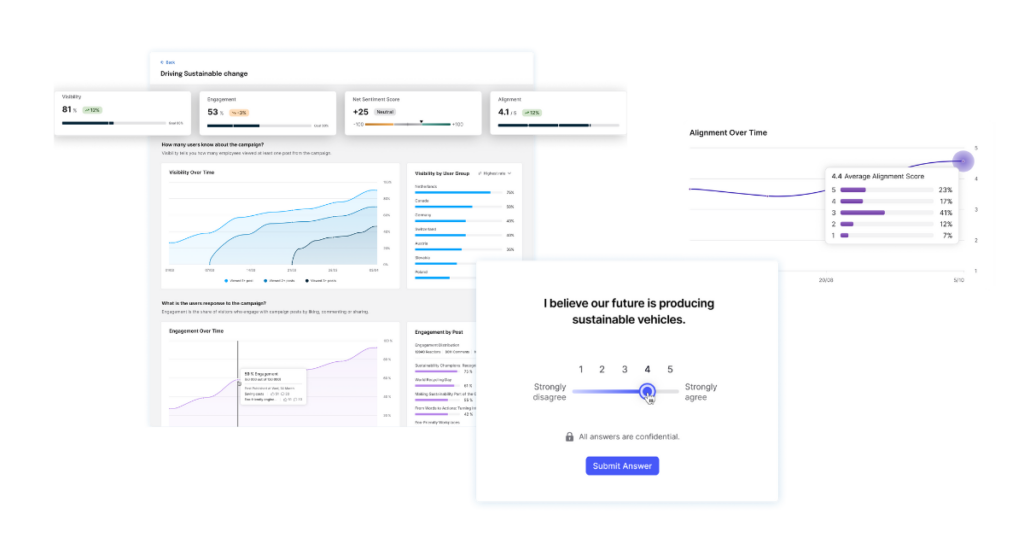 The Staffbase Smart Impact dashboard provides insights that go well beyond simple engagement metrics.
What an AI-powered intranet actually does: 4 real benefits
1. How does an AI intranet reduce information overload for employees?
AI-native personalization cuts through the noise. Instead of flooding employees with generic messages, it curates a focused feed of content tailored to their roles, interests, and behaviors. By analyzing interaction patterns and work habits, the intranet surfaces only what matters most — ensuring critical updates reach the right people at the right moment.
This creates clarity instead of overload. Employees get the context they need without the clutter, so communication feels effortless, relevant, and human.
2. How does AI save time for communicators and employees?
Intelligent search and automated content management save time at every turn. Employees can find information instantly using natural language — or simply ask a question — while AI gathers results across email, intranet, and document libraries into a single, secure view.
Behind the scenes, AI keeps content fresh and targeted. It recommends updates, archives outdated material, and suggests optimal publish times and channels. The result is a workspace that stays organized on its own — freeing communicators and employees alike to focus on the work that drives real outcomes.
3. What insights does an AI intranet give communicators and leaders?
AI-powered intranet analytics reveal what truly connects with people. By tracking how employees engage with messages across channels, communicators can see which stories resonate and where understanding drops off. Leaders gain visibility into communication health — knowing not just what was sent, but what was seen, understood, and acted upon.
With this feedback loop, organizations can adapt in real time, refining strategies to build stronger alignment and a deeper sense of connection across teams.
4. How does AI improve knowledge-sharing across distributed workforces?
AI transforms knowledge-sharing from a scavenger hunt into a smooth, guided experience. It connects information across silos, suggests relevant content and resources, and recommends experts or materials based on role, skill, and context.
Whether employees are on the factory floor, in the office, or working remotely, they can quickly find the insights they need without wasting time searching. This flow of information fuels confidence, collaboration, and a culture of shared understanding.One important distinction: AI improves how employees find answers when they know to look (pull) — but it does not create awareness of information they didn’t know they needed (push). The most important organizational communications — safety updates, crisis alerts, strategic direction — require proactive multi-channel reach, not just a better search interface. An AI-native intranet combines both: a reliable pull system for questions employees think to ask, and a proactive delivery system for what they need to know regardless.
Staffbase Employee AI: how it works and what the evidence shows
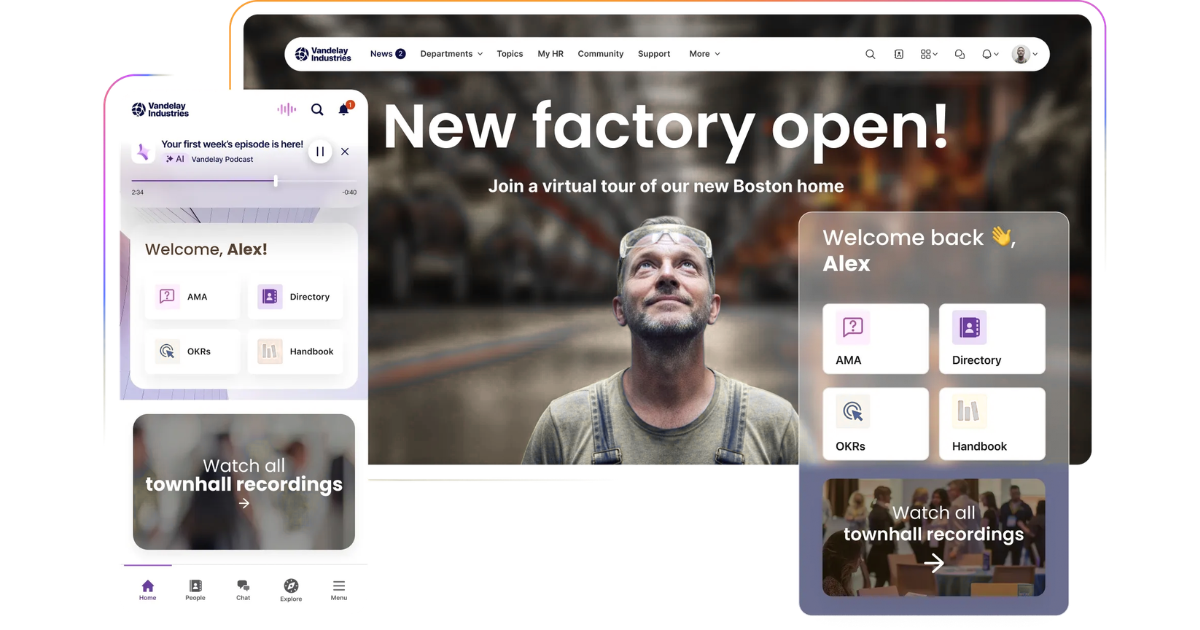
Staffbase Employee AI is the intelligent layer woven throughout the Staffbase platform. Built on trusted enterprise infrastructure and powered by the latest generation of large language models, it delivers both performance and peace of mind. Data stays encrypted, never used for model training, and is managed according to stringent standards such as GDPR and ISO 27001 compliance.
Employee AI goes far beyond traditional assistants. It supports communicators directly with intelligent writing tools that craft summaries, optimize structure, and generate on-brand headlines in seconds. It analyzes engagement across channels, offering insights into what messages truly connect — and where understanding might fall short.
The same intelligence powers a personalized employee experience across every touchpoint — intranet, email, app, and beyond. It delivers relevant content automatically, anticipates information needs, and provides conversational access to company knowledge through Navigator.
By automating repetitive work, protecting sensitive data, and surfacing real-time insights, Employee AI turns the Staffbase intranet into a proactive partner for communicators and employees alike — one that continuously learns, improves, and delivers measurable impact across the organization.
ClearBox Consulting, in its independent 2026 Intranet & EX Platforms Report, describes Staffbase’s approach to AI as “refreshingly measured” — implementing what brings genuine value rather than deploying AI for its own sake. Staffbase is the only top-five scoring platform in that review to also hold the Frontline & Mobile Focus badge, meaning it’s the only platform simultaneously validated for communications excellence and frontline reach.
The gap between safe AI and trusted AI shows up in real data. In a 2026 Staffbase survey of 104 Australian senior business leaders, 67% believed their employees were confident or extremely confident in the accuracy of AI-led information — yet nearly a quarter felt their employees were only somewhat confident, and around 10% reported low or no confidence at all.
Ready to evaluate AI-powered intranets? Start here.
Understanding what AI-native architecture means is a prerequisite — but the right next step depends on where you are in the process.
If you’re still building the business case — or trying to understand what a governed content environment looks like in practice — our guide to building an intranet covers the full decision framework, including what to look for in an AI-ready content architecture before you evaluate platforms.
If you want to see what AI-native intranets look like once deployed — across industries, workforce types, and communication challenges — modern intranet examples shows the range of what’s possible when intelligence is built in from the start.
If you’re ready to compare specific platforms — with “best for” framing, a vendor breakdown, and evaluation criteria — that’s handled at our companion article: the top AI-powered intranet platforms in 2026. Three questions determine which platform is right for your situation: how large is your organization, are you in a Microsoft 365 or Google Workspace environment, and what proportion of your workforce is desk-based versus frontline or mobile? The platforms guide is structured around those three filters.
If you need to quantify the value before you evaluate — The Real ROI of Employee Experience gives you a framework for calculating savings across tool consolidation, operational performance, and employee engagement, grounded in independent research and real customer data.